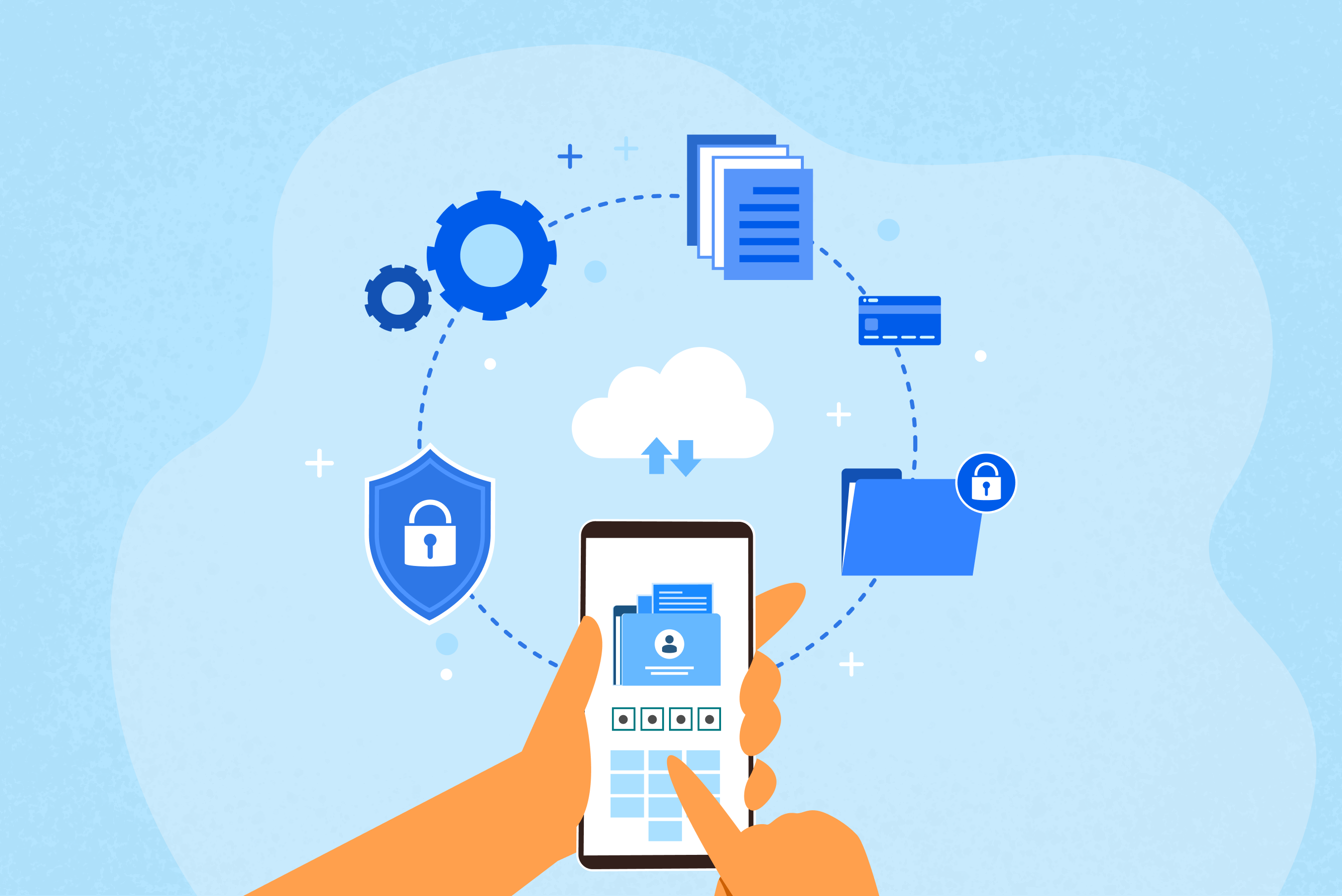
A complete guide to mobile device management (MDM): Securing the modern workplace
Discover MDM essentials for modern workplaces: how mobile device management secures BYOD, enforces policies, manages apps, monitors compliance, and eases remote IT operations.
Maneesh
Updated on May 20, 2026
With the proliferation of remote work, hybrid models, and the bring your own device (BYOD) trend, managing a diverse fleet of devices, including smartphones, tablets, and laptops, has become increasingly complex.
This comprehensive guide breaks down what MDM is, why it is essential, its core components, how to implement it, and more.
What is MDM?
MDM is a solution used by enterprises to monitor, manage, and secure smartphones, tablets, laptops, and other endpoint devices from a centralized console. MDM enables IT admins to enforce security policies, configure device settings, manage applications, monitor device compliance, and protect corporate data remotely. It delivers configurations, restrictions, and security policies to enrolled devices using over-the-air (OTA) commands.
A best MDM solution ensures that both company-owned and employee-owned devices remain compliant with organizational security policies, regardless of the operating system, whether Android, iOS, macOS, Windows, or Linux.
Why does your business need an MDM?
The rapid adoption of mobile technology brings significant risks. A single lost smartphone containing unencrypted corporate email can trigger a devastating data breach. Here’s why MDM is non-negotiable:
Robust security: MDM allows for remote locking, wiping of lost devices, and enforcing mandatory passcodes to protect sensitive data.
Reduced IT costs: By automating device setup and management, IT teams save time and significantly reduce manual effort.
Enhanced productivity: Through automated application deployment and consistent settings, employees can get to work immediately without complex, manual, in-person configurations.
Compliance management: MDM helps organizations meet regulatory and security requirements, such as GDPR and HIPAA, by enforcing policies like device encryption, passcode protection, and access controls, while continuously monitoring device compliance in real time.
Key features of MDM
A robust Mobile Device Management (MDM) solution is built on several foundational pillars, designed to handle the full lifecycle of a device, from enrollment to retirement.
1. Remote device management & configuration
IT admins can remotely configure Wi-Fi settings, email, and VPN profiles over the air. If a device is lost or stolen, IT can instantly send a wipe command to clear corporate data, ensuring it doesn’t fall into the wrong hands.
2. Application management
MDM enables the deployment of enterprise apps through a private app store, automated app updates, and the ability to allowlist or blocklist apps.
3. Security policy enforcement
MDM solutions enforce strict security protocols, such as:
Data encryption: Ensuring all data stored on the device is encrypted.
Containerization: Separating personal and professional data on BYODs, allowing IT to secure work apps without touching personal files.
4. Real-time monitoring & reporting
MDM provides centralized visibility into your entire device fleet. IT teams can monitor device inventory, operating system versions, app status, data usage, and security compliance in real time to maintain visibility, enforce policies, and quickly identify potential issues.
5. Kiosk mode
For specialized use cases in industries such as retail, logistics, manufacturing, and education, kiosk mode restricts devices to a single app or a predefined set of approved apps and functions. This transforms the device into a dedicated-purpose device while minimizing distractions, misuse, and unauthorized access.
How to choose the right MDM solution
As cyber threats continue to evolve and organizations adopt Zero Trust security models, businesses need MDM solutions that combine strong security, automation, scalability, and cross-platform management. Selecting the right solution can improve operational efficiency, simplify IT administration, and strengthen your overall security posture.
1. Start by understanding your business needs
Before comparing vendors, organizations should first identify their specific requirements. The right MDM platform for a retail business may look very different from the ideal solution for a healthcare provider or educational institution.
Consider factors such as:
Number of devices to manage
Types of endpoints used
Supported operating systems
Remote and hybrid workforce requirements
BYOD or corporate-owned device policies
Compliance requirements
Existing IT and identity infrastructure
Clearly defining these needs helps narrow down solutions that align with your operational and security goals.
2. Prioritize multi-platform support
Modern workplaces rarely rely on a single operating system. Employees may use Android smartphones, iPhones, Windows laptops, macOS devices, or ChromeOS systems within the same organization. A best MDM solution like Scalefusion MDM should provide multi-OS support.
Unified management across multiple operating systems simplifies administration and ensures consistent security policy enforcement across all endpoints. Instead of managing separate tools for different device types, IT teams can monitor and secure devices from a centralized dashboard.
3. Evaluate deployment & enrollment capabilities
In remote-first work environments, device provisioning must be fast and efficient. Manual setup processes increase IT workload and delay employee onboarding.
Look for solutions that support:
Apple Automated Device Enrollment (ADE)
Android Zero-Touch Enrollment
Windows Autopilot
QR code enrollment
Bulk enrollment
Agent-based enrollment
Other enrollment options
Zero-touch deployment allows devices to be configured automatically when powered on, reducing manual intervention and enabling employees to start working quickly regardless of location.
4. Focus on security & compliance
Security remains one of the most critical factors when choosing an MDM solution. Mobile devices are often primary targets for phishing attacks, ransomware, unauthorized access, and data leakage.
A modern MDM platform should include:
Remote lock and wipe
Encryption enforcement
Password policy management
Jailbreak and root detection
Conditional access controls
Multi-factor authentication integration
Secure browsing and app management
Compliance monitoring
Organizations operating in regulated industries should also ensure the platform supports compliance requirements such as GDPR, HIPAA, SOC 2, or ISO 27001.
Many businesses are now adopting Zero Trust security frameworks, where device health and compliance status determine access to company resources. MDM solutions that integrate with identity providers and conditional access systems provide stronger protection against unauthorized access.
5. Assess automation & remote support features
Automation is becoming increasingly important as IT teams manage larger and more distributed device fleets. AI-driven MDM features are also gaining momentum in 2026.
Look for features such as:
AI-powered scripting
Automated policy enforcement
Compliance remediation workflows
Scheduled updates and patching
Real-time monitoring and alerts
Remote troubleshooting capabilities are equally important for supporting distributed employees and frontline teams. Useful features include:
Remote screen sharing
Remote control
Remote access to live terminal
File transfer
Script execution
Device diagnostics
Strong remote management tools reduce downtime and allow IT teams to resolve issues without requiring physical access to devices.
6. Review reporting & integration capabilities
Visibility plays a major role in endpoint security and compliance management. Your MDM solution should provide detailed reporting and analytics, including:
Device inventory
Compliance status
Security incidents
Patch management reports
Audit logs
Integration capabilities are also essential. The platform should work seamlessly with:
Identity providers
Endpoint security solutions
Productivity suites
ITSM platforms
HR and other enterprise apps
Integrations improve automation and help create a more unified security ecosystem.
7. Choose a scalable solution
Finally, choose a solution that can grow with your organization. As businesses expand, device fleets and management requirements become more complex.
A scalable MDM solution should offer:
Cloud-native architecture
Role-based access control
Multi-tenant support
API integrations
Reliable performance
Both cloud and on-prem deployments
The ideal MDM solution should go beyond basic device management. It should provide centralized visibility, strong security, automation, remote support, and unified endpoint management capabilities that support the evolving demands of the modern workplace.
How to implement MDM in your organization
Implementing MDM requires a structured approach to ensure maximum security without hindering employee productivity.
Define goals and strategy: Determine what you want to achieve. Is it to manage BYODs, secure company-owned devices, or both?
Audit existing devices: Identify all devices accessing corporate resources, including OS types, models, and usage scenarios.
Select the best MDM solution: Choose an MDM solution that offers the features your business needs and can scale with your growth.
Enrollment and policy mapping: Enroll devices (e.g., via Apple Business Manager, Windows Autopilot, or Android Zero Touch Enrollment) and configure policies for different user groups.
Train and monitor: Train IT teams and employees on the new MDM policies and monitor for compliance.
Choose the best MDM solution for enterprise security with Scalefusion
A strong MDM solution is a fundamental requirement for securing and managing modern endpoints. For organizations looking to simplify device management and strengthen security, Scalefusion MDM offers a strong platform designed for businesses of all sizes.
With support across Android, iOS, macOS, and Windows platforms, Scalefusion helps businesses of all sizes maintain visibility and control over their entire device fleet. From smartphones and tablets to POS systems, kiosks, and rugged devices, Scalefusion ensures that every endpoint remains secure, compliant, and optimized for productivity.
Intuitive dashboard: Easy to navigate, reducing the learning curve for IT teams.
Multi-OS support: Seamless management of Android, iOS, macOS, and Windows devices from a single screen.
Remote troubleshooting: Features like Remote Cast & Control allow IT to resolve issues quickly, reducing device downtime.
Advanced security: From containerization to kiosk management, Scalefusion ensures your data is protected under strict security policies.
Ideal for SMBs and enterprises: Whether you are a small business looking for easy onboarding or a large enterprise needing complex policy control and mass deployment, Scalefusion scales to meet your needs.
With Scalefusion, organizations can streamline endpoint management, secure corporate data, and ensure compliance, without compromising the productivity of a remote-first workforce.